





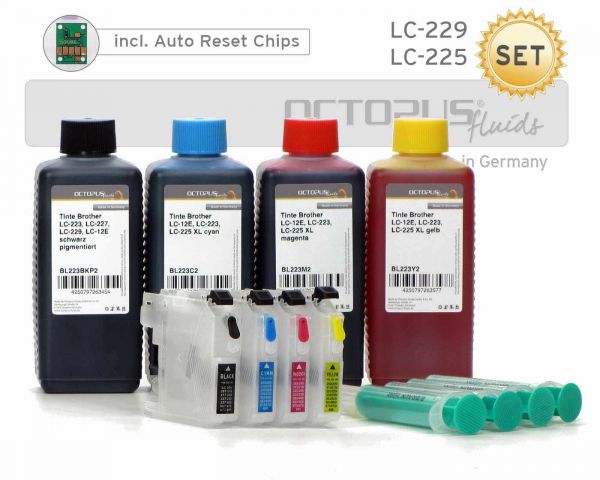
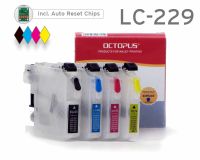
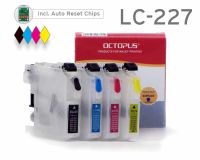
Set of refillable cartridges compatible with Brother LC-229, LC-225 with chips and ink
 Manufacturer info



- Order number: RCBLC229S0
- EAN 4250797280710
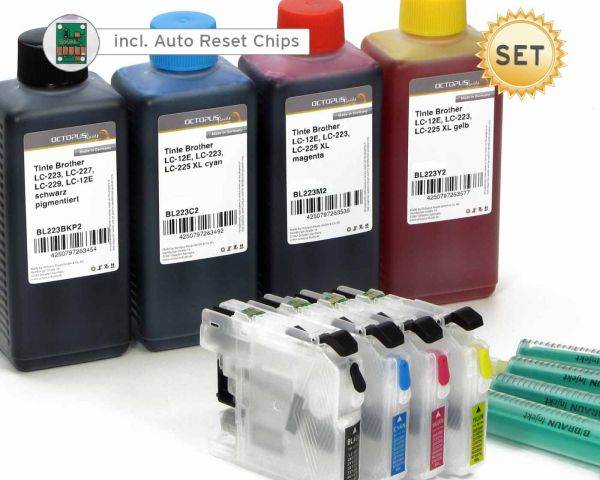
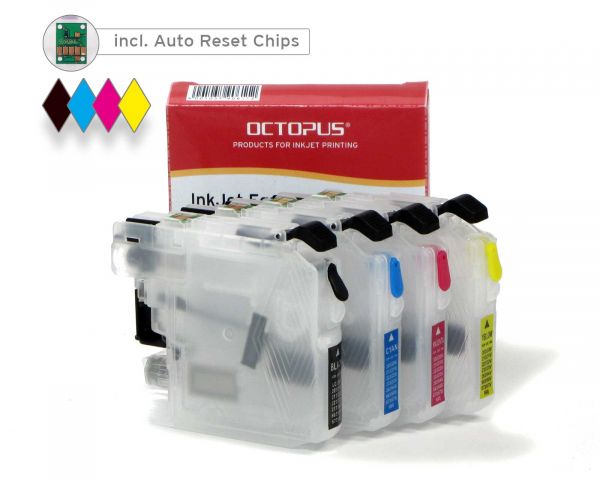
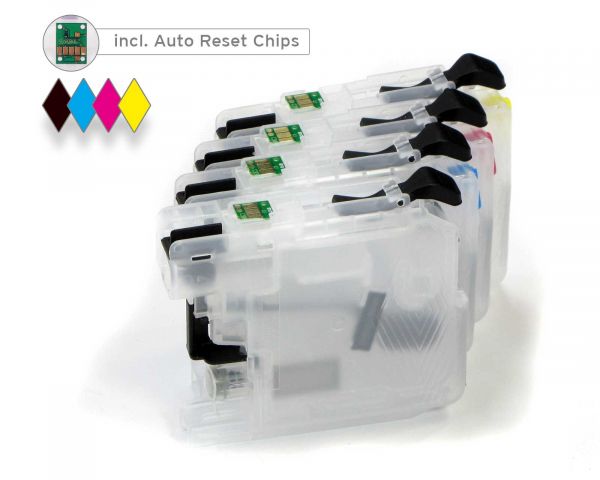
- 4 x refillable ink cartridges (black, cyan, magenta, yellow), empty
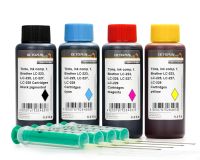
- Octopus Fluids ink, black pigmented
- Octopus Fluids ink, cyan
- Octopus Fluids ink, magenta
- Octopus Fluids ink, yellow
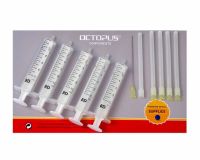
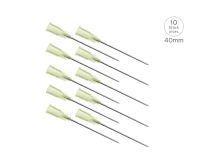
- 4x refill syringes with needles for proper refilling
- 4 x 100ml of ink = 400ml OR
- 4 x 250ml of ink = 1000ml OR
- 4 x 500ml of ink = 2000ml
(Quelle: SHOPVOTE)
eine überaus positive +++ Überraschung!
von der schnellen Lieferung über die exakte Anleitung und einfache Handhabung bis zur Qualität der Tinten und klaglosen Akzeptanz durch den Drucker stimmt alles; sehr empfehlenswert! einziges Problem war, Sie zunächst mal im Web zu finden.
Brother MFC-J5320DW funktioniert problemlos mit den Patronen und Tinte
Tut einfach was es soll! Brother MFC-J5320DW funktioniert problemlos mit den Patronen und der Tinte.
Rundum zufrieden
Befüllung der Patronen nach der Anleitung ein Kinderspiel.
Zuerst wurde die schwarze Patrone nicht erkannt. Nach Anruf bei einem sehr, sehr netten Servicemitarbeiter war das Problem im Handumdrehen gelöst.
Druckergenisse sind hervorragend. Absolute Kaufempfehlung!
Sehr gutes Produkt - Sehr guter Service
Ich habe diese Patronen seit 6 Monaten im Einsatz und es macht große Freude damit zu drucken. Die Qualität der Anleitung war sehr gut.
Auf Rückfrage zu einer Schwierigkeit hat sich Octopus Office schnell und kundenorientiert gezeigt. Sehr guter Service. Werde weiterhin hier bestellen.
Bestens
Die Patronen passen sehr gut zum Brother J5320DW. Bin sehr zufrieden und der Service von Octo passt auch sehr gut . So soll es sein.
Bestellt, geliefert nach DK (top). Die mitgelieferten leeren Patronen lt. Gebrauchsanweisung befüllt, installiert und den Drucker in Betrieb genommen.....und es funzt. Prima, so muß es sein!
Würde ich immer wieder machen. Warum also teure orig. Tinte/Patronen kaufen, wenns qualitativ auch billiger geht!?
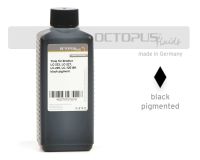 Refill ink comp. with Brother LC-223, LC-227, LC-229, LC-12E black pigmented
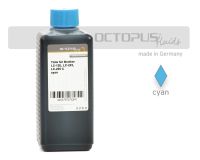 Refill ink comp. with Brother LC-223, LC-225 XL, LC-12E cyan
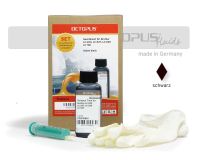 Refill kit for Brother LC-223, LC-227, LC-229, LC-12E black
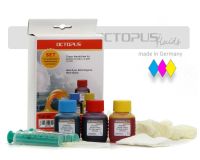 Refill kit for Brother LC-223, LC-225, LC-12E color

 Ink comp. with Brother LC-223, LC-225, LC-227, LC-229, LC-12E
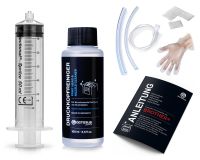 Nozzle Cleaner for Brother, Print Head Cleaner with extension

 10 x 250 ml round HDPE plastic bottles with colorful screw caps
 10 x 10 ml needle tip bottles for oils, dyes etc. with orange needle tip

