




Instructions for Canon PGI-570, CLI-571 printer cartridges
The Canon PGI-570, CLI-571 cartridge series has been released in August 2015 together with a new model series of Canon PIXMA MG devices. The PIXMA printers of the MG 5700, MG 6800 and MG 7700 series are designed for use in private homes as well as small home offices.
The printer cartridges PGI-570 work with black, pigmented ink and provide for an edge-sharp, exact text print. The Canon CLI-571 ink cartridges are filled with dye inks. They are used for printing colored graphics and with the print setting "photo", very fine color gradations are possible with their help. Octopus Fluids®, our affiliated ink manufacturer, has already developed very good inks for all colours.
As usual, our refill instructions show you the easiest way to fill the cartridges. In the instructions for the chip problem you can read how to avoid the warning message of the cartridge chip about the ink level. As soon as there is a possibility to reset the chip of the Canon PGI-570 and CLI-571 ink cartridges, we will also present a reset instruction here.
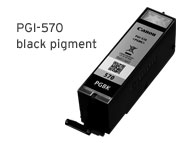
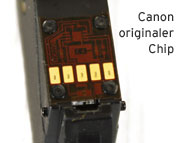
Refill instruction, additional information - all about PGI-570, CLI-571
The inkjet cartridges Canon PGI-570 + CLI-571 exist as the following versions:
Canon PGI-570 PGBK, 0372 C 001 black pigmented, capacity 15 ml ink
Canon PGI-570 PGBKXL, 0318 C 001 black pigmented, capacity 22 ml ink
Canon CLI-571 BK, 0385 C 001 black, capacity 7 ml ink
Canon CLI-571 BKXL, 0331 C 001 black, capacity 11 ml ink
Canon CLI-571 C, 0386 C 001 cyan, capacity 7 ml ink
Canon CLI-571 CXL, 0332 C 001 cyan, capacity 11 ml ink
Canon CLI-571 M, 0387 C 001 magenta, capacity 7 ml ink
Canon CLI-571 MXL, 0333 C 001 magenta, capacity 11 ml ink
Canon CLI-571 Y, 0388 C 001 yellow, capacity 7 ml ink
Canon CLI-571 YXL, 0334 C 001 yellow, capacity 11 ml ink
Canon CLI-571 GY, 0389 C 001 gray, capacity 7 ml Tinte
Canon CLI-571 GYXL, 0335 C 001 gray, capacity 11 ml ink
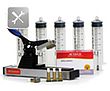

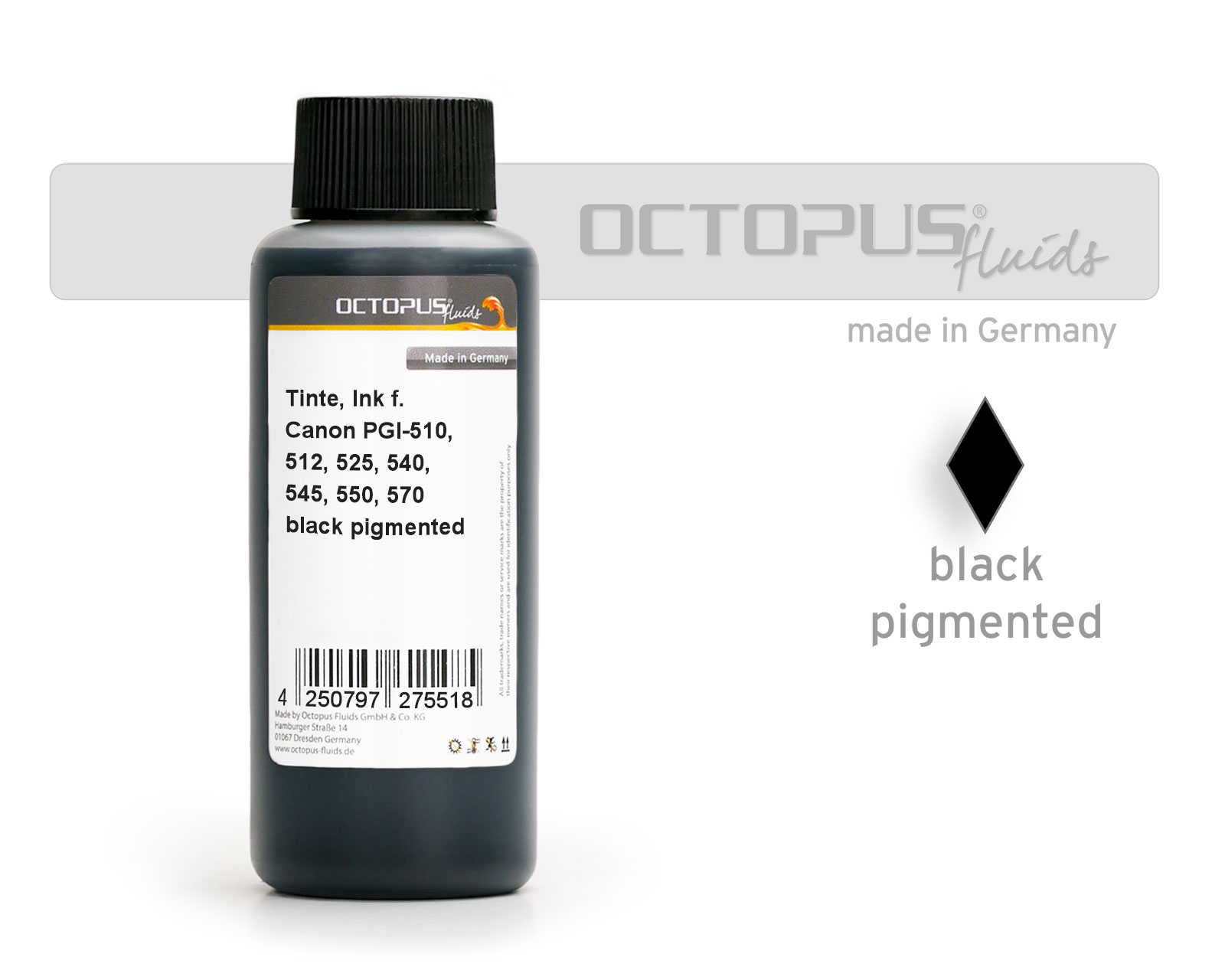 Ink for Canon PGI-525, 550, 555, 570, PG-540, 545, 510, 512 pigm. black
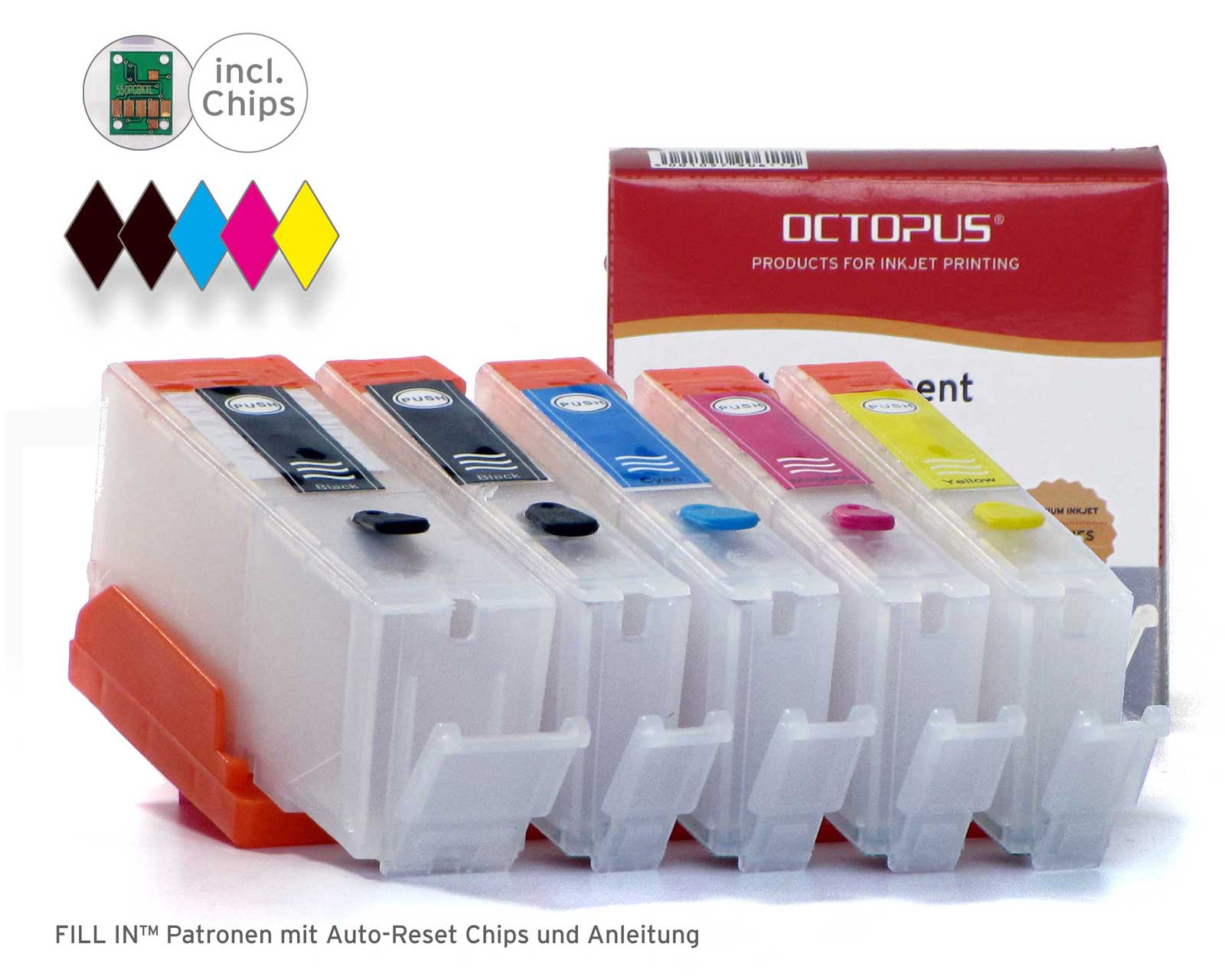 Refillable cartridges for Canon PGI-570, CLI-571 with autoreset chips
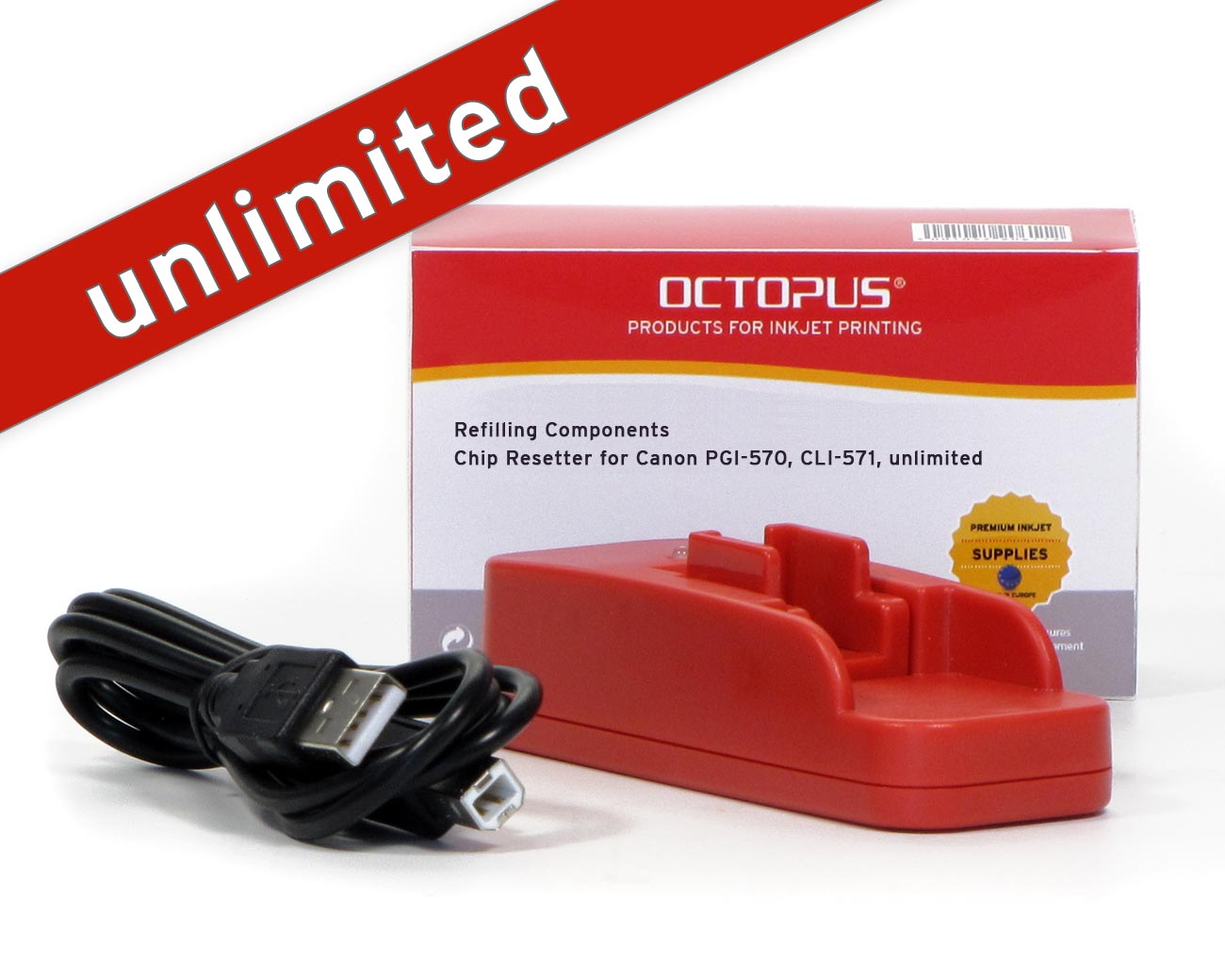 Chipresetter for Canon PGI-570, CLI-571 inkjet cartridges for unlimited resets
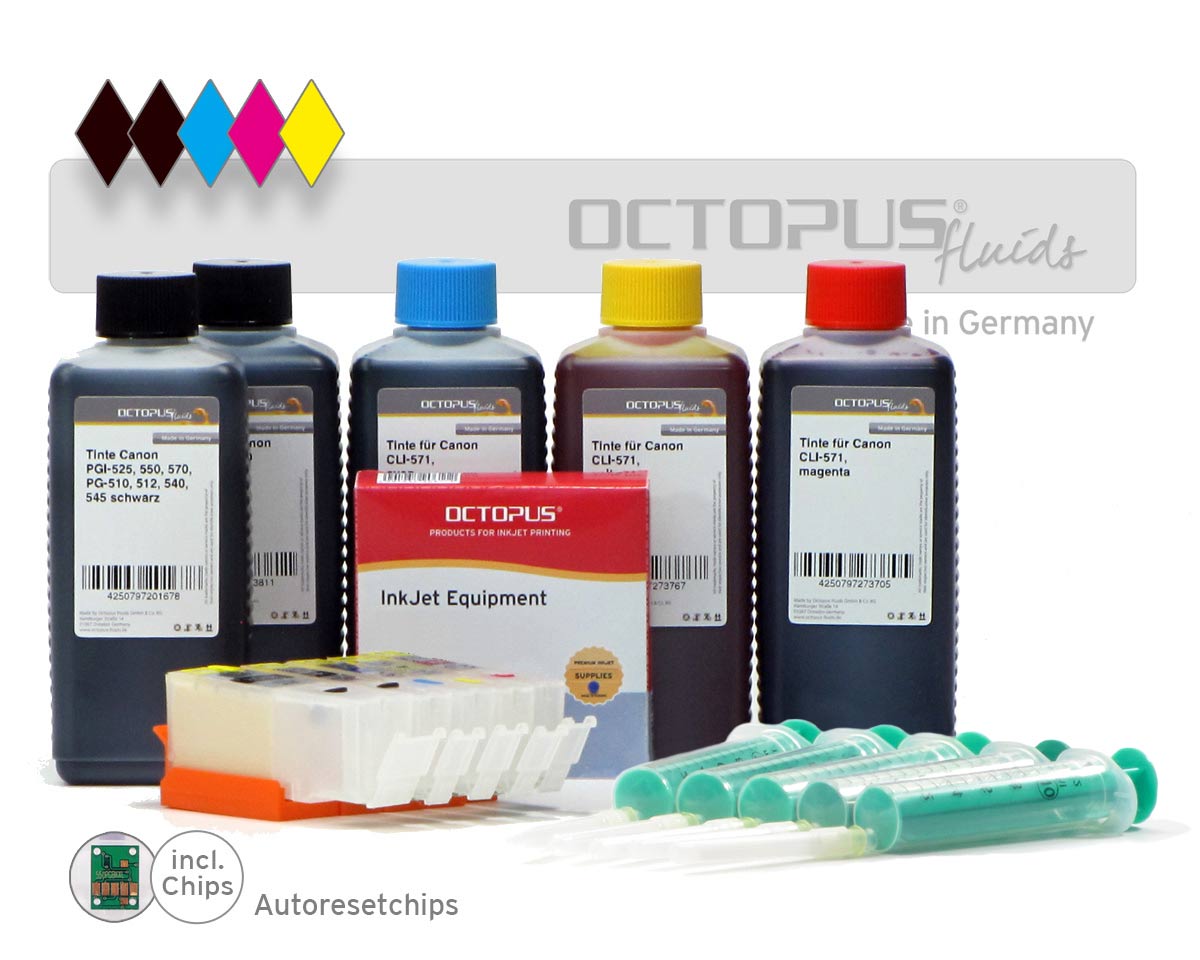 Refillable cartridges Canon PGI-570, CLI 571 with 5x ink
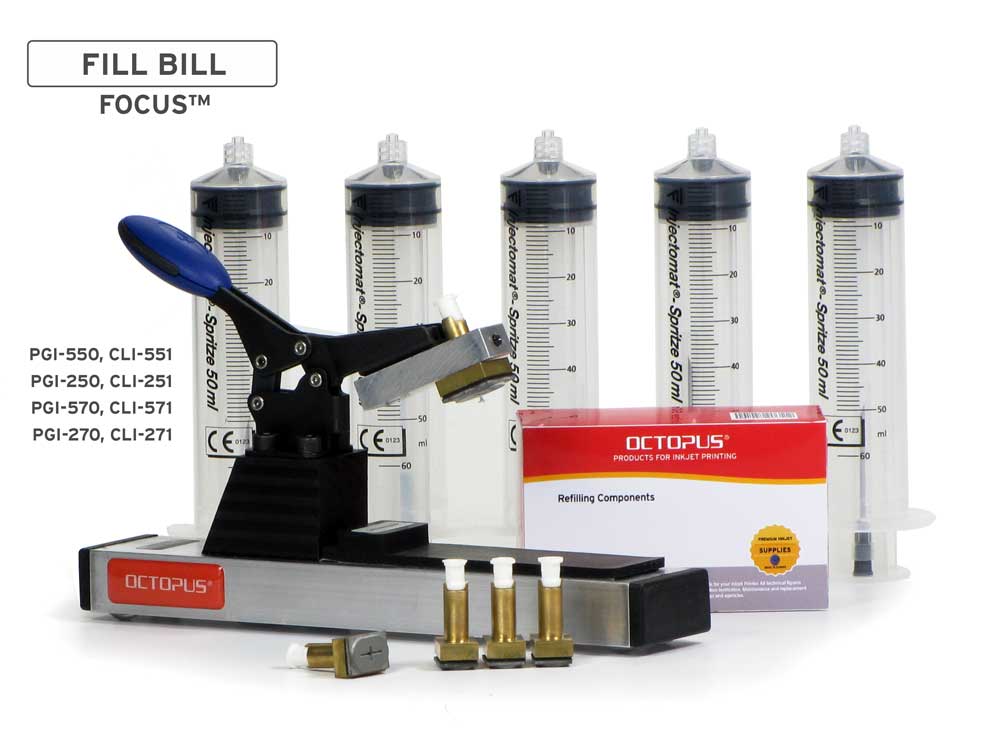 Fill Bill FOCUS CP550 for Canon PGI-550, 570, 580 and CLI-551, 571, 581 cartridges