




Refill instruction for Canon PGI-9 inkjet cartridges and the chip resetter
Canon PGI-9 inkjet cartridges are used in the printers Canon Pixma IX 7000, Pixma MX 7600, Pixma PRO 9500 and Canon Pixma Pro 9500 Mark II. All inks in the cartridge set for these printers are pigmented inks.
Our instruction provides the necessary information how to refill Canon PGI-9 cartridges with high quality refill inks made by Octopus Fluids and how to use the suitable chip resetter to reset the original chips on these cartridges.
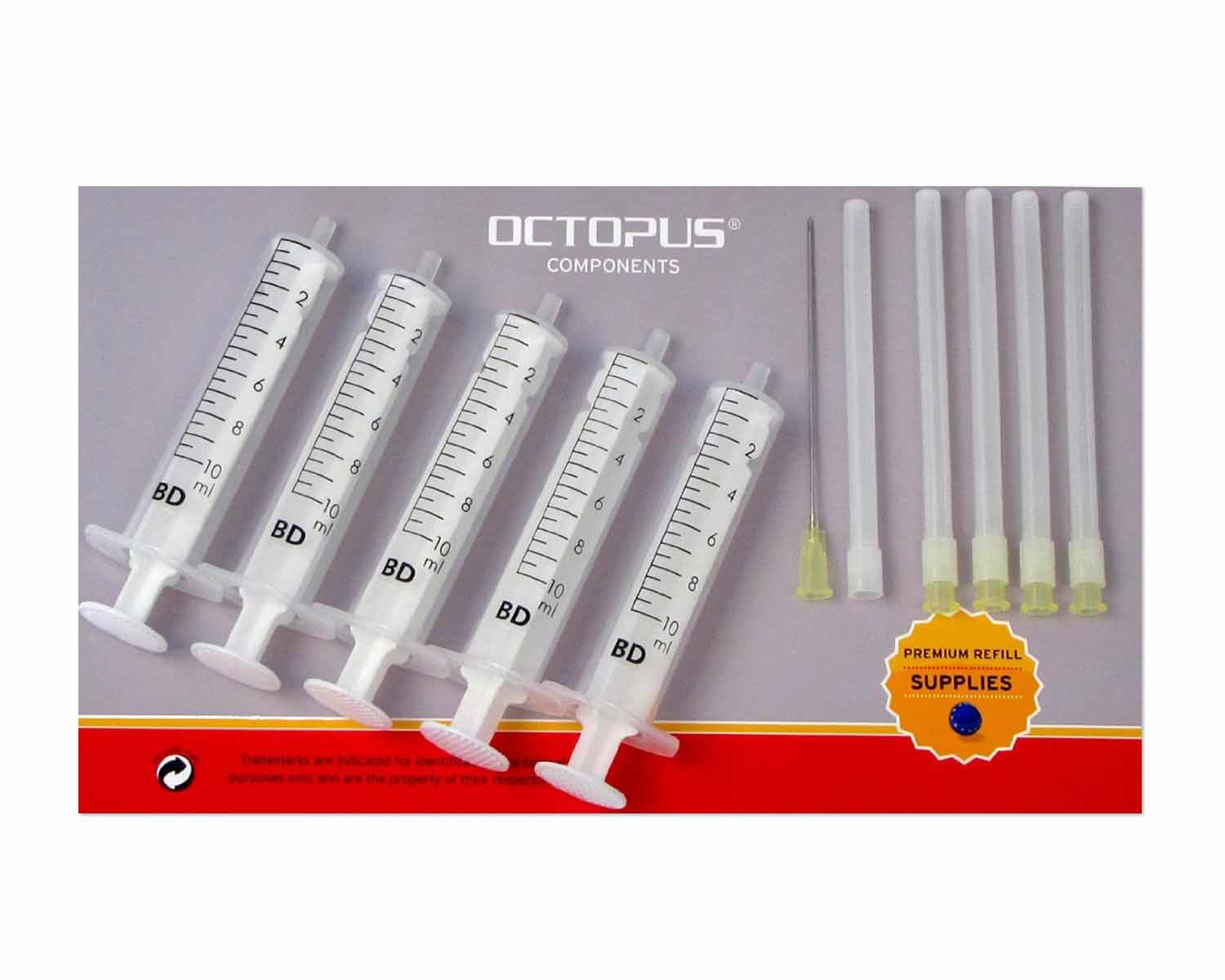 Ink Syringes with Needles (5 pcs.)
Use these Ink Syringes with Needles for an easier Refill of you Printer Ink Cartridges.
Content:
( € / )
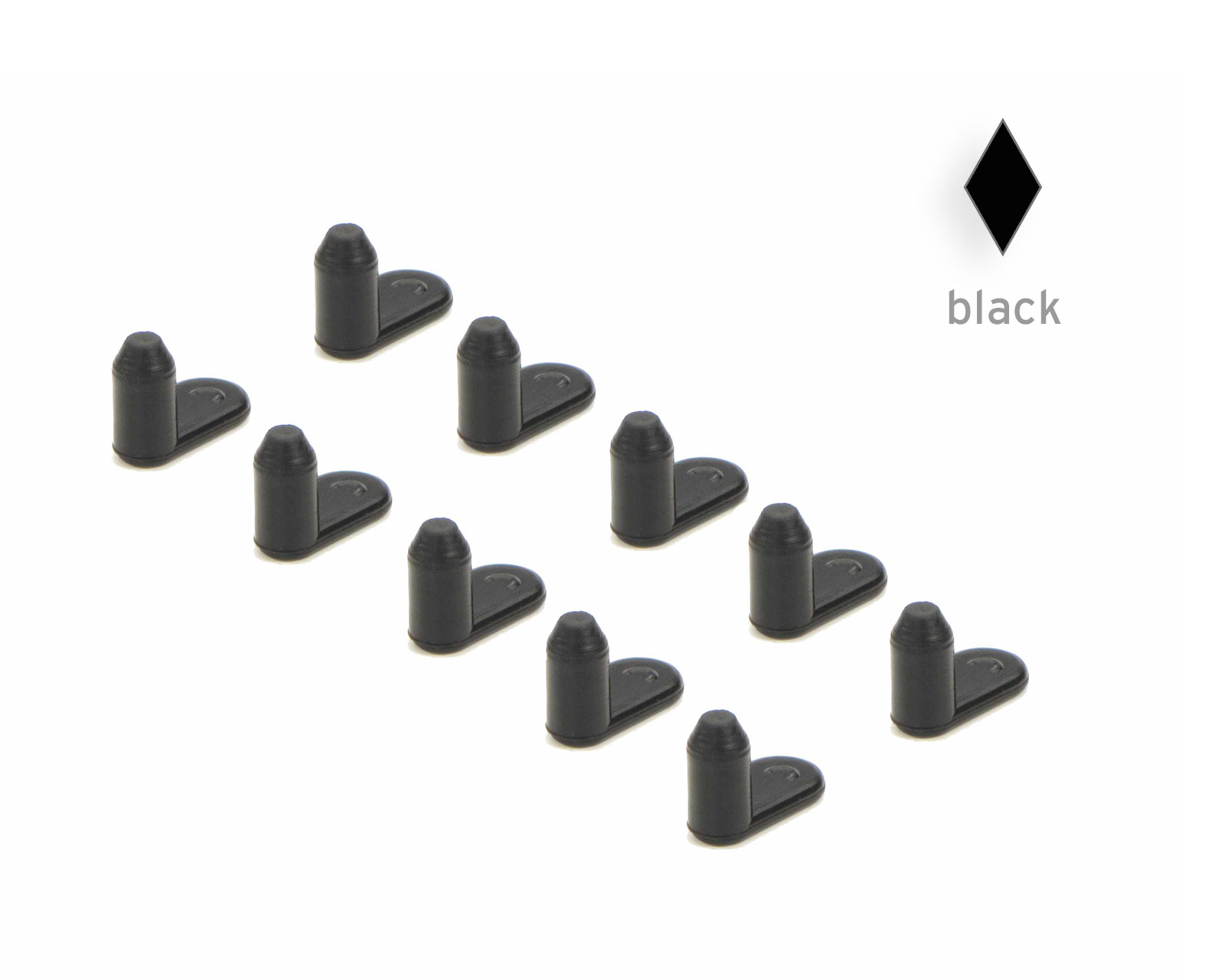 Sealing plug 10x 4 mm for Epson, Canon and HP Cartridges, black
10x 4mm sealing plug for Epson, Canon and HP,black
Content:
( € / )
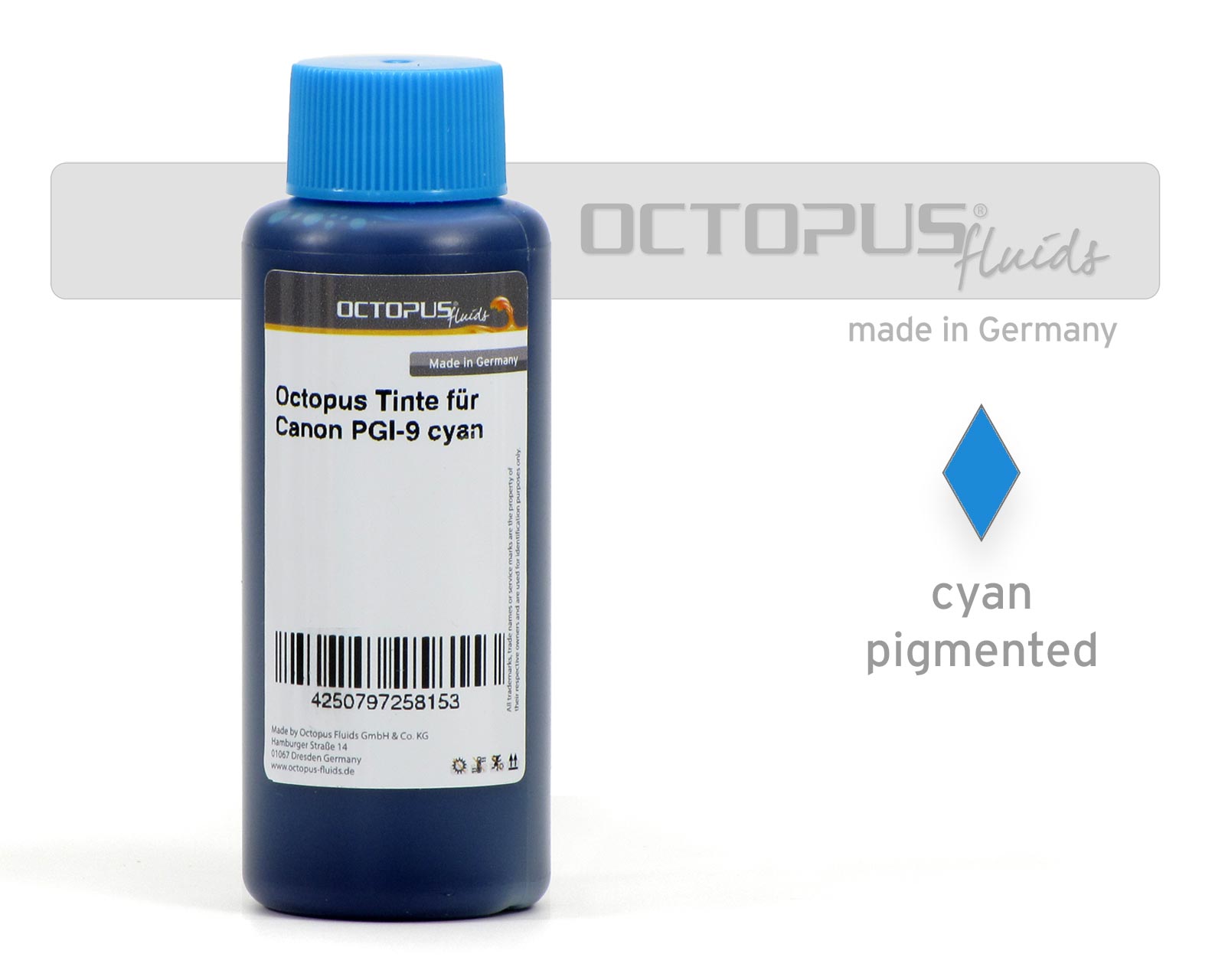 Octopus ink for Canon PGI-9 cyan
Refill Ink by Octopus Fluids® was developed specifically for Canon PGI-9 R cartridges.
Content:
( € / )

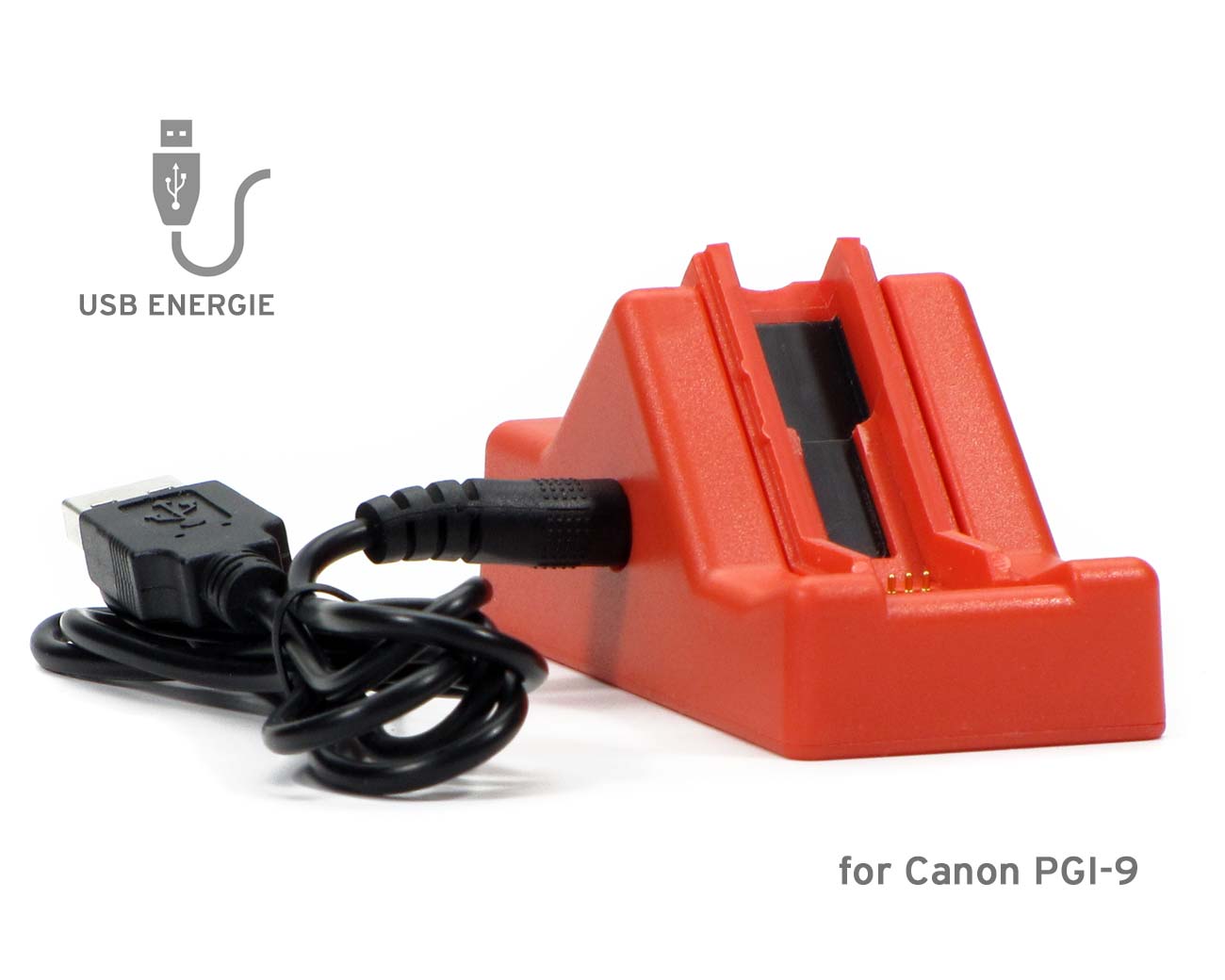 Chip resetter for Canon PGI-9, Pixma Pro 9500 with USB connection
Chip resetter for Canon Pixma IX 7000, Pixma MX 7600, Pixma PRO 9500 cartridges with USB power supply. USB cable included in the delivery!
Content:
( € / )
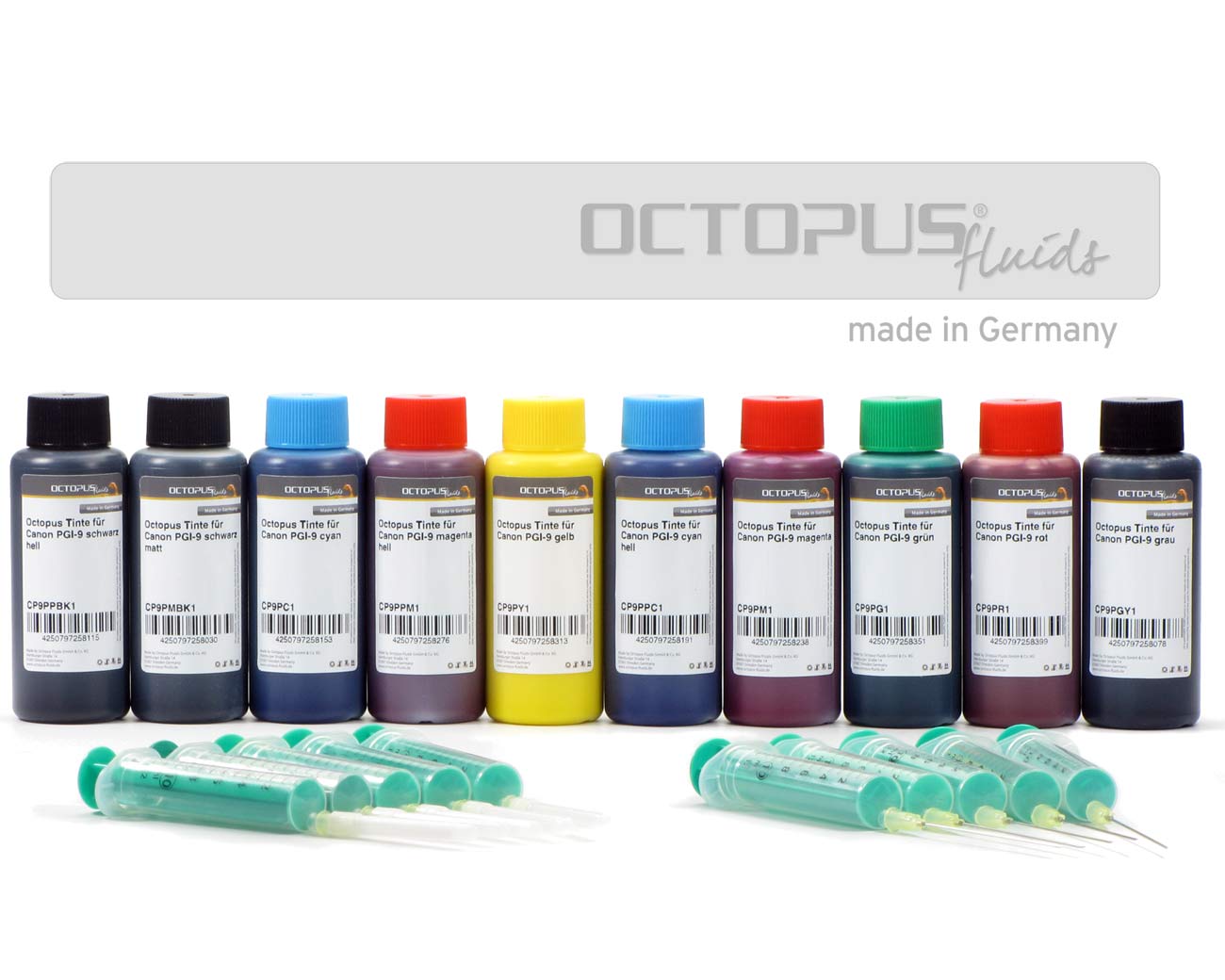 Refill ink set for Canon PGI-9 cartridges, ten colours
Refill Ink by Octopus Fluids® was developed specifically for Canon PGI-72 MBK cartridges.
Content:
( € / )
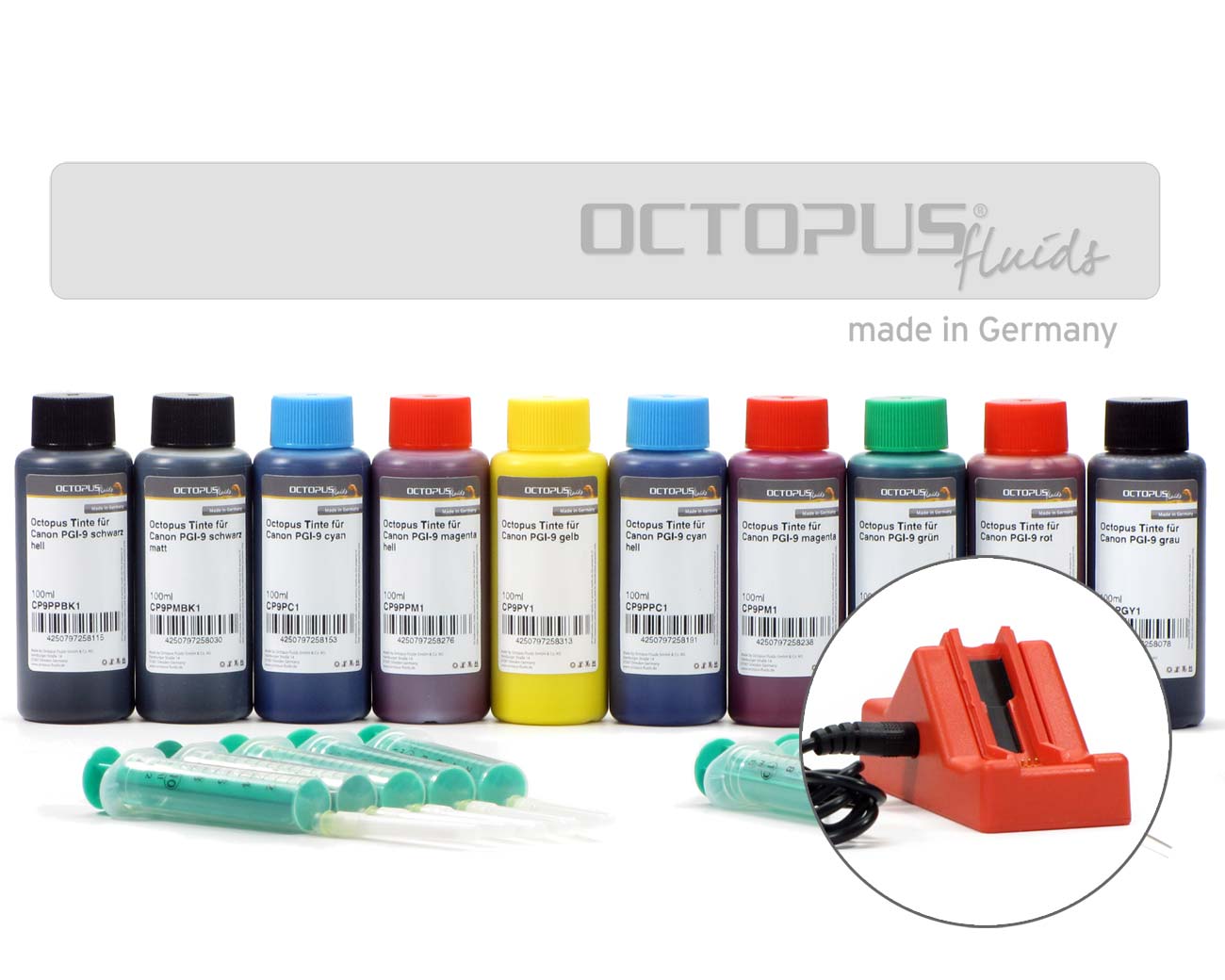 Chip resetter incl. ink, syringes and needles for Canon PGI-9
This Printer Ink has been developed specifically for Epson T029, T037, T041 cyan cartridges and is subject to very strict quality control.
Content:
( € / )