




Instructions for refilling Canon PGI-525, CLI-526 printer cartridges
The Canon PGI-525 and CLI-526 printer cartridges can be refilled easily with different methods. After refilling, the cartridge chip can be reset with Chipresetter or the chip can simply be replaced with a new one. If you don't feel like either, you can ignore the printer's fill level message and still print. Chips or Chipresetter are available from our assortment.
The printing results after the filling fail depending on the type of ink used. With cheap universal inks the Canon PGI-525 and CLI-526 printer cartridges will not achieve the results that are achieved with high-quality inks specially developed for this cartridge type. We therefore recommend our Octopus Fluids® ink. The following refill instructions will show you how to fill the original Canon PGI-525 and CLI-526 printer cartridges, how to fill our Fill In™ empty cartridges and how to reset or replace the cartridge chip.
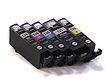
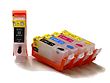
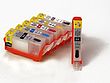
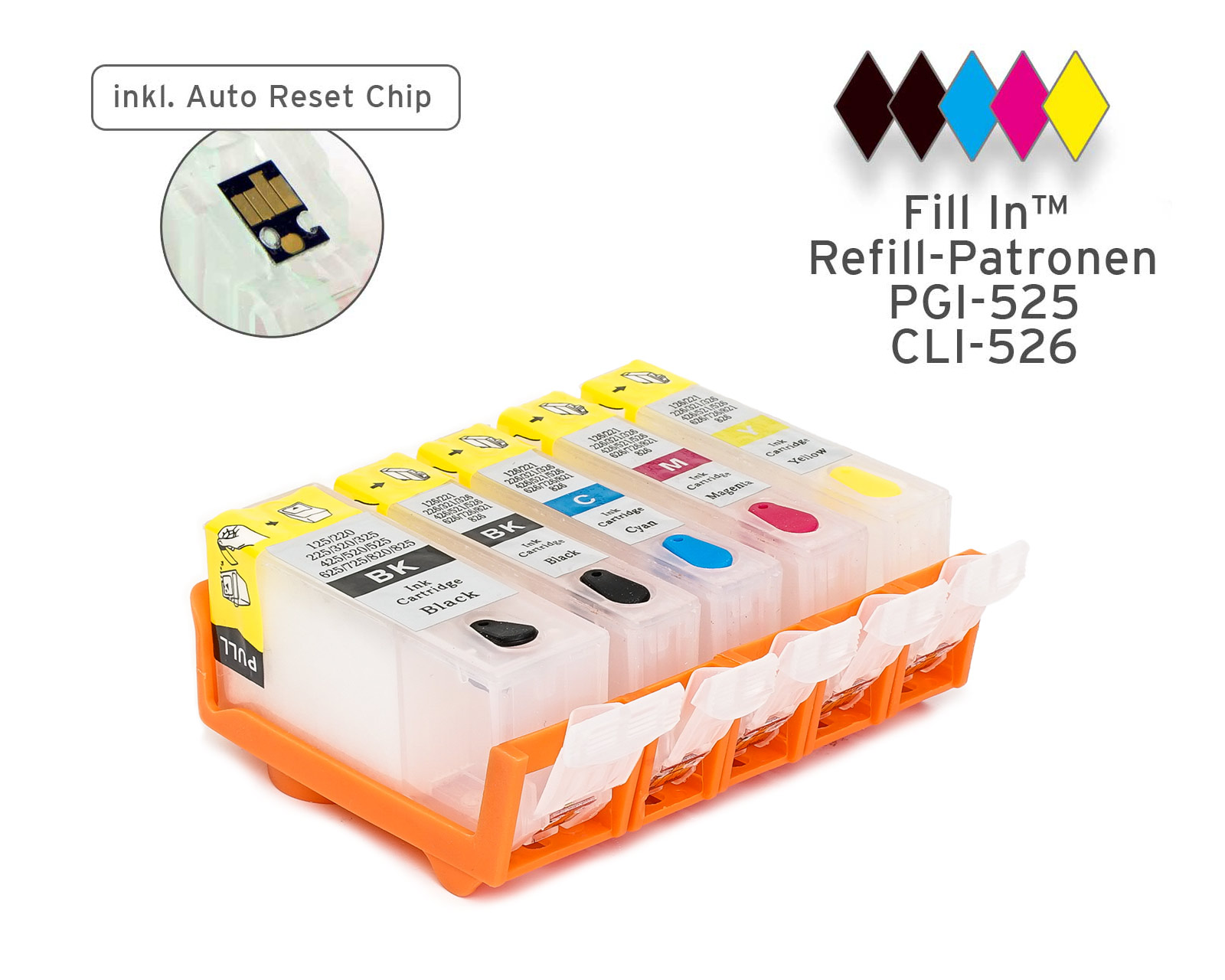 Refillable Ink Cartridges for Canon PGI-525, CLI-526 with auto reset chip

 Refill ink set for Canon PGI-520, PGI-525, CLI-521, CLI-526, 5x
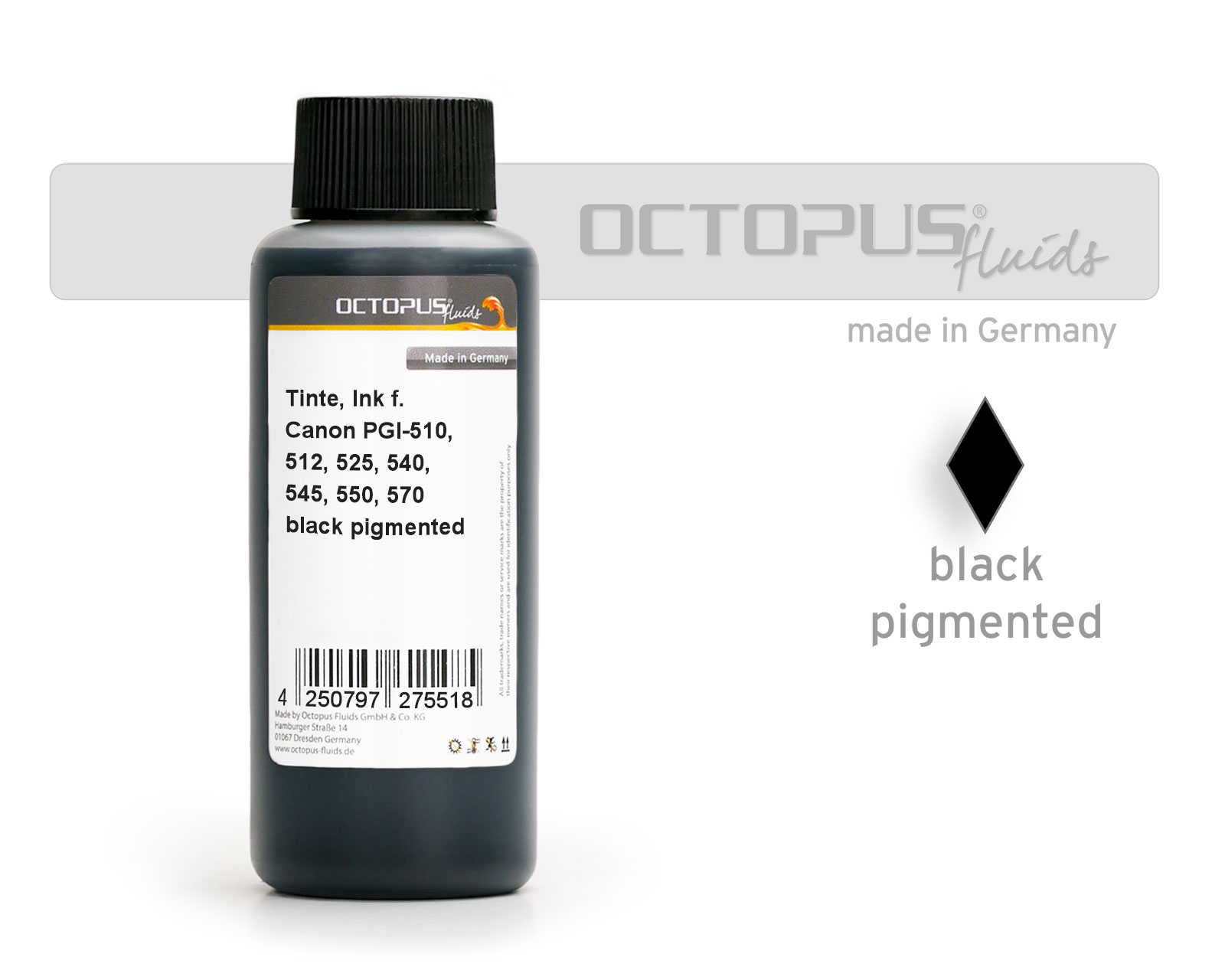 Ink for Canon PGI-525, 550, 555, 570, PG-540, 545, 510, 512 pigm. black
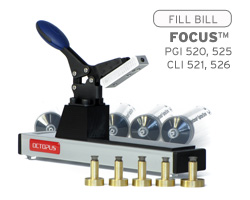 Fill Bill FOCUS™ CP525 for Canon PGI-520, 525 and CLI-521, 526
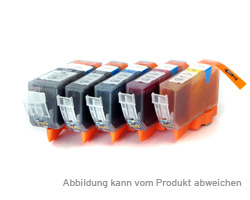 Compatible Printer Cartridges (kit) Canon PGI 525 BK, CLI 526 BK,C,M,Y