




Refill instrcuction for cartridgesBrother LC-700
For refilling, please follow the instruction below:
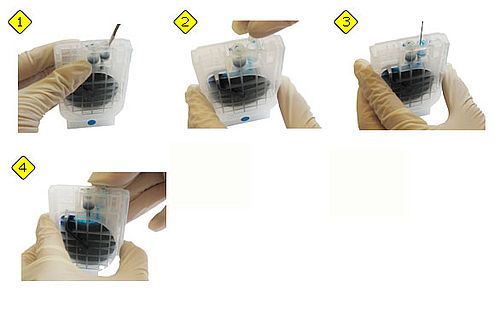
Remove (as shown in the pictures) the closing plug out of the filler opening. Lead the needle of the syringe into the filler opening. Inject the ink into the Brother cartridge LC-700. When the cartridge is full, close it with the closing plug again. The cartridge is refilled now. You can put it back into your printer and start printing.

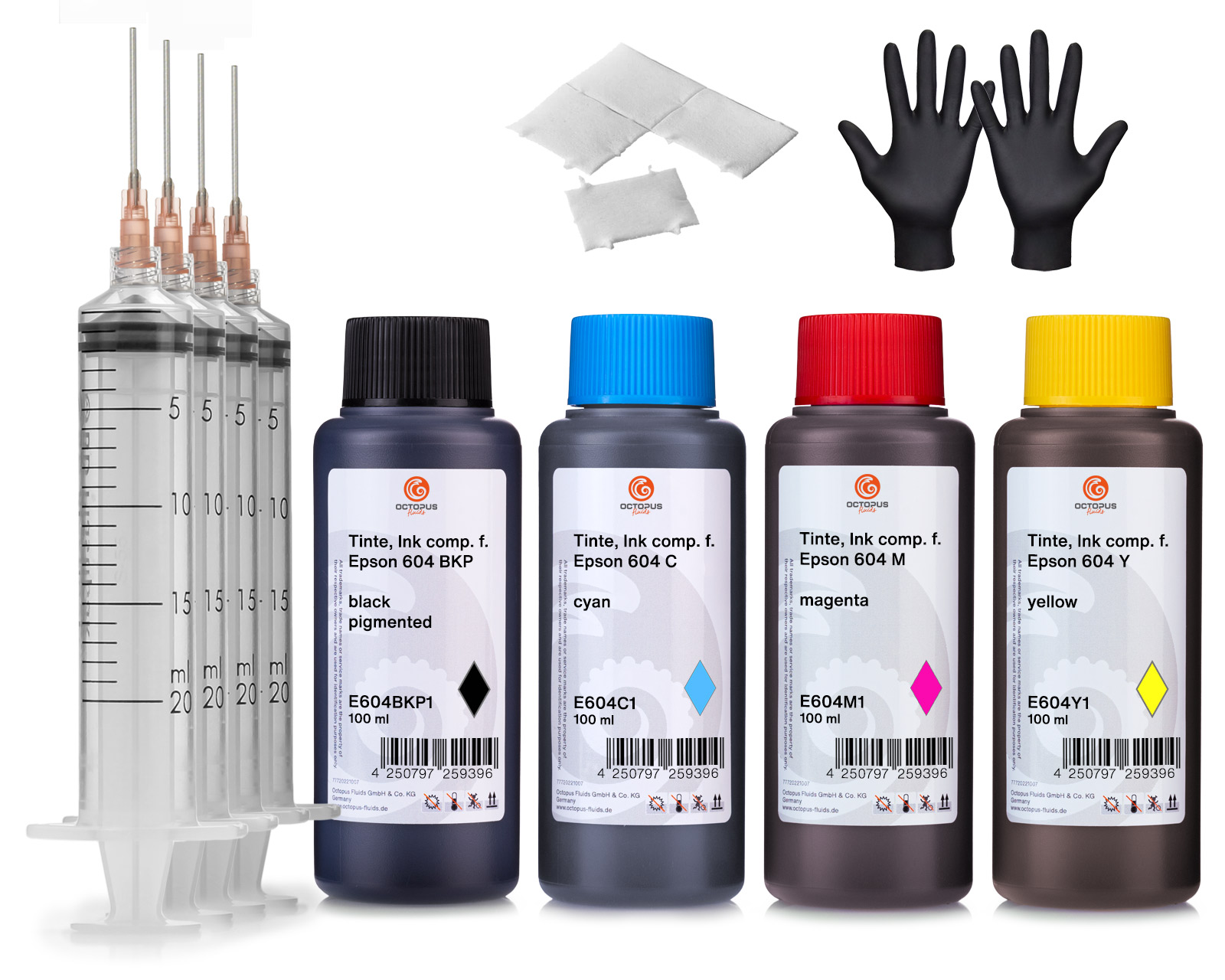 Octopus printer ink set compatible for Epson 604 ink cartridges, WorkForce 2950DWF 2930DWF
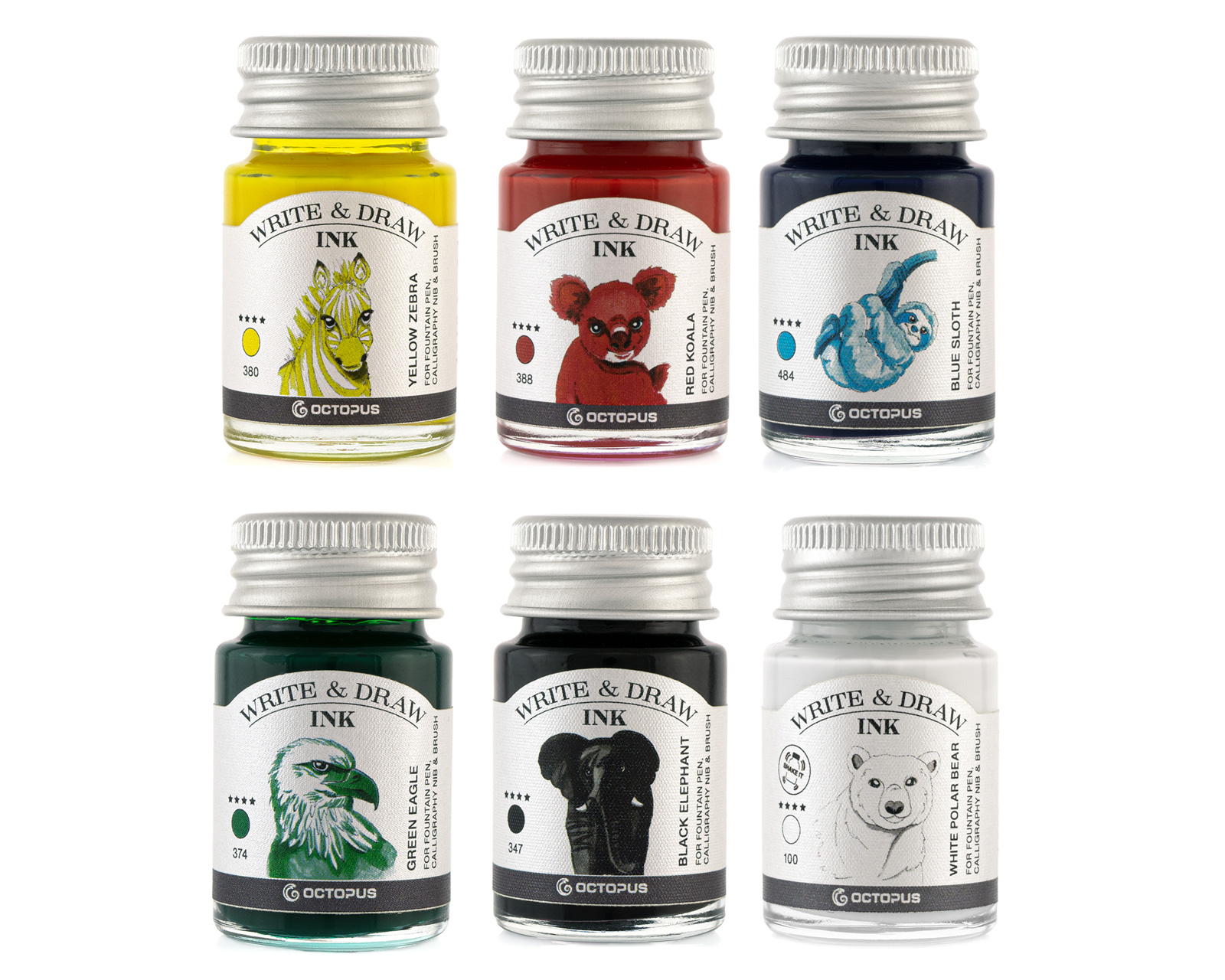 Write and Draw Ink Set, waterproof drawing ink for fountain pens, 6 colours
Octopus Write & Draw Ink, waterproof ink for fountain pen, nib and brush, vegan
The Octopus Write & Draw inks are unique, smudge-proof and waterproof writing and drawing inks in a wide range of colours. They were developed for daily use in fountain pens and are also popular with graphic artists, illustrators, calligraphers and artists for writing, sketching, drawing and colouring with calligraphy pens, glass pens or brushes.
Each of the 38 brilliant shades inspires with its intense colour power thanks to its high, balanced pigmentation. In addition to a deep black and various shades of grey, the extensive colour palette also includes a particularly opaque white, which can be used on dark backgrounds.
During the development of the drawing ink, special attention was paid to its use in the fountain pen. The use of the finest colour pigments in a carefully balanced formula ensures high light fastness and a good, even ink flow without clogging the ink duct of the fountain pen. These pigmented writing inks also feature the excellent writing behaviour of the classic Octopus fountain pen inks. The Write & Draw drawing ink meets the requirements for document-proof ink according to DIN ISO 12757-2 and DIN ISO 14145-2 and is produced exclusively with vegan ingredients.
Writing enthusiasts love the razor-sharp typeface that can be achieved on fountain pen-suitable paper and the pleasant shading of the Write & Draw writing ink. Calligraphers can create the finest hairlines and impressive flourishing elements, while urban sketchers can draw precise outlines.
The ink dries waterproof in a very short time and can then be painted over with another shade of Octopus Write & Draw ink or watercolour. It is eraser-proof and most of the colours are also highlighter-proof.
Both pure and diluted with water, Octopus Write & Draw ink is excellent for colouring. Used undiluted, the waterproof ink convinces with its opacity. The many colours of Octopus drawing ink can be mixed with each other, but also with water. In this way, countless colour shades can be achieved for beautiful watercolour effects.
Unlike most other waterproof inks, Octopus Write & Draw can be used in a fountain pen without hesitation. However, care should be taken not to let the fountain pen dry out. We therefore recommend that you rinse and clean your writing instrument carefully after use to prevent the ink from drying up accidentally.
The Octopus special cleaner for pigmented inks is available for cleaning your writing Instruments.
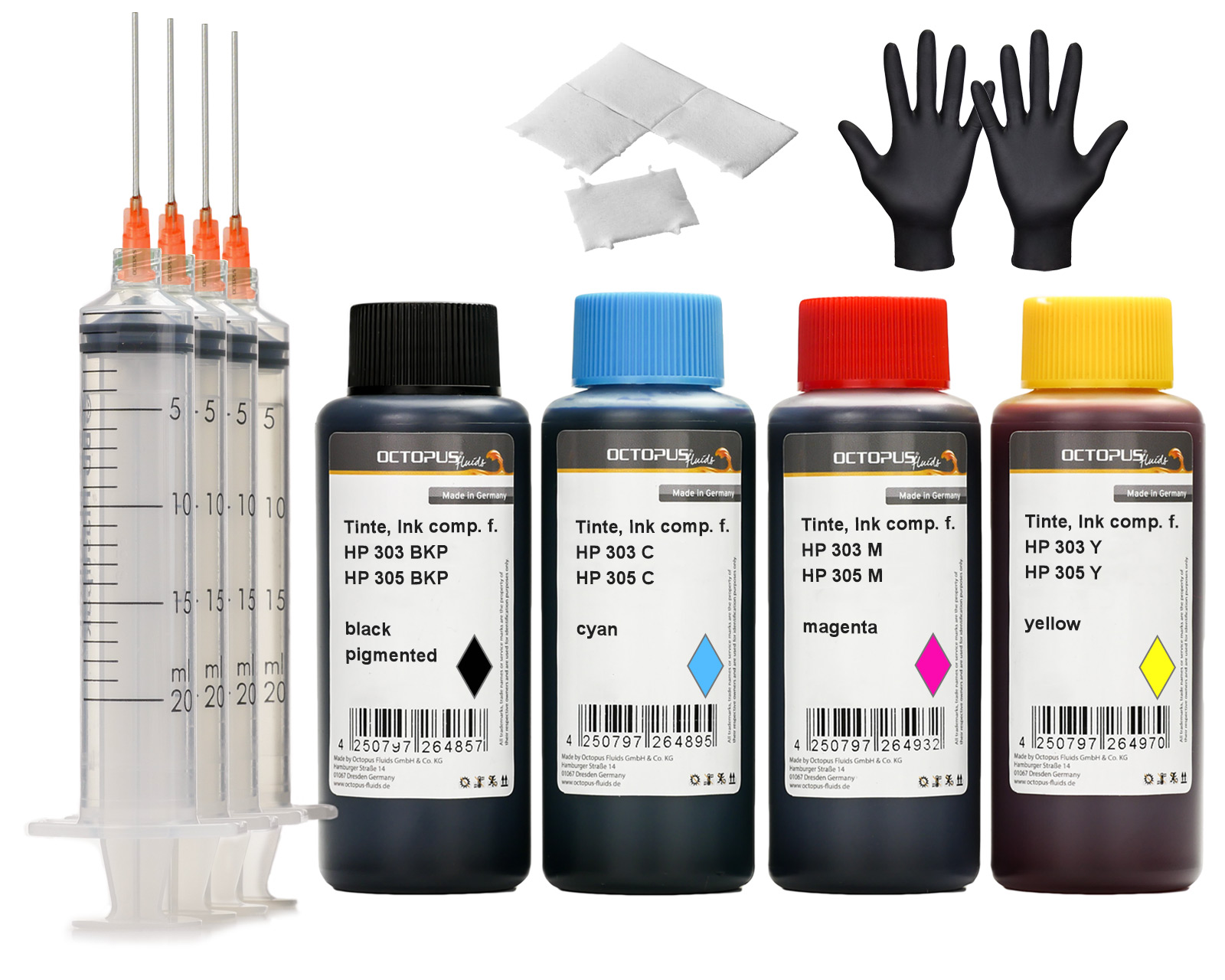 Refill ink set compatible for HP 303 and HP 305 Ink Cartridges, DeskJet, DeskJet Plus, Envy, Envy Pro
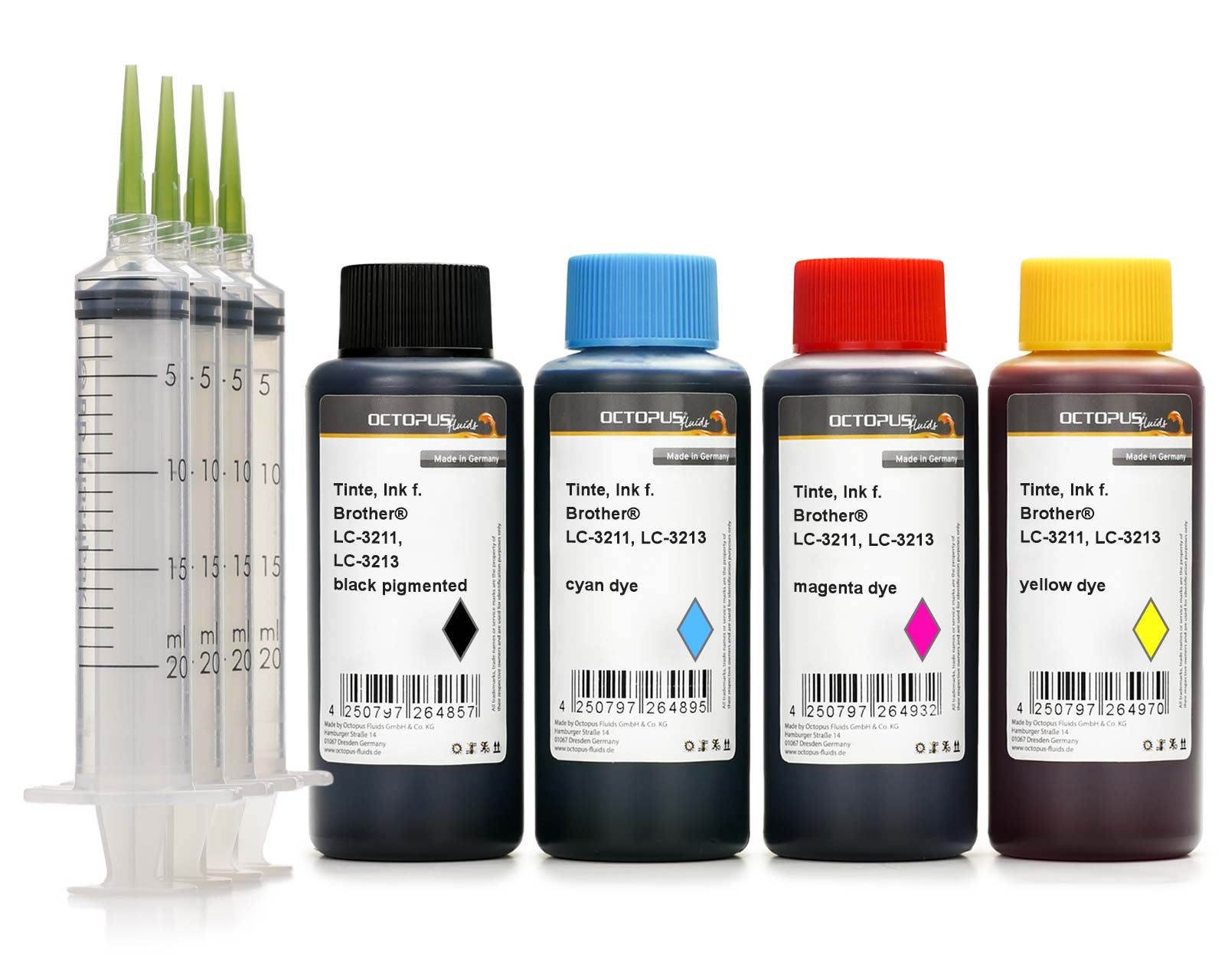 Refill ink comp. with Brother LC-3211, LC-3213 cartridges, CMYK
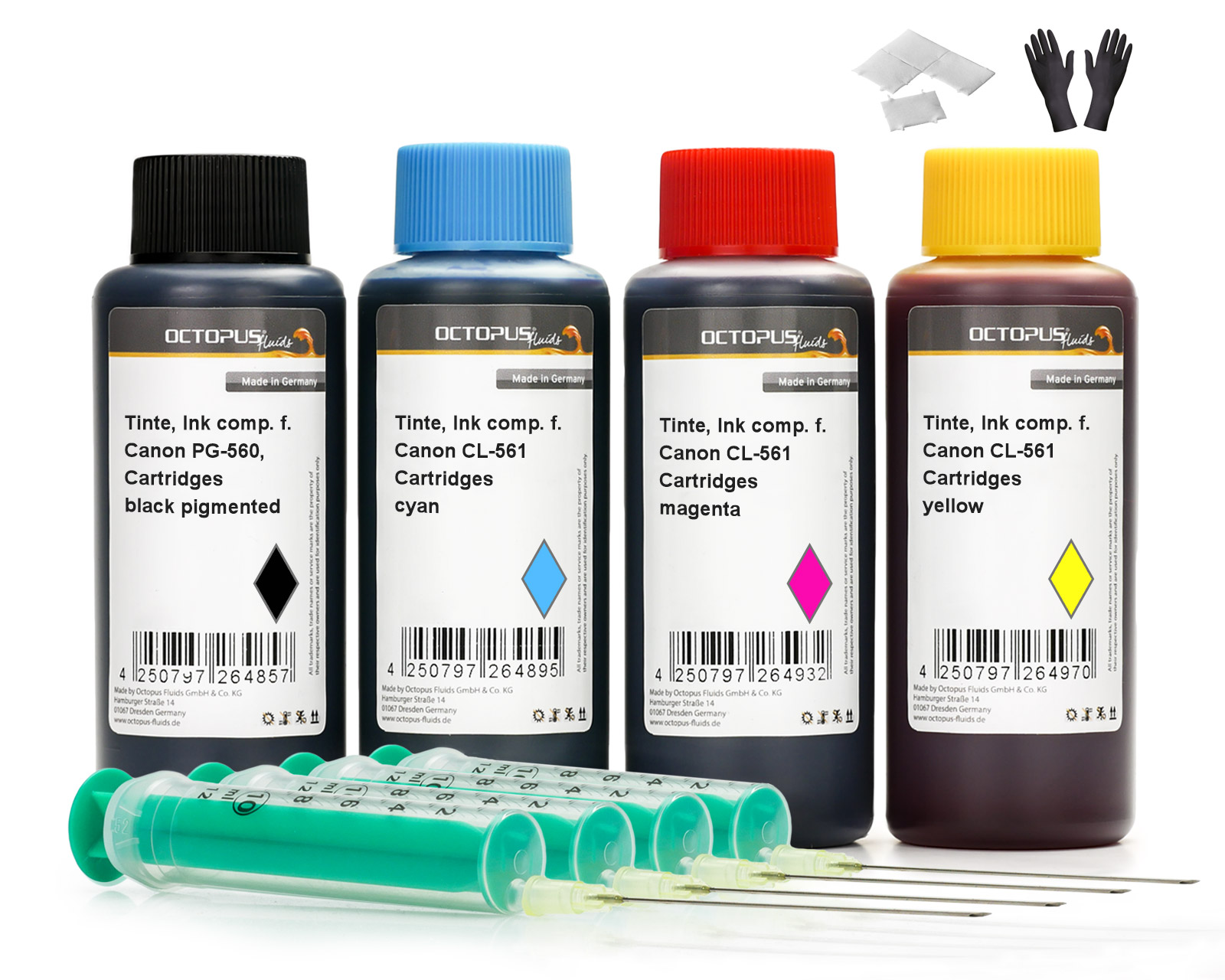 Octopus printer ink set compatible for Canon PG-560, CL-561 ink cartridges, Canon Pixma TS 5300, 7400